How to Optimise Your Google Business Profile to Get 5-Star Reviews & Leads
If you run a business, your Google Business Profile (GBP) is one of the most powerful marketing tools you're probably not using to its full potential. Over the past year, Google has dramatically changed how business profiles rank and thanks to AI, your GBP is no longer just a local SEO helper, it's your digital storefront.
Think of it like this: when someone searches for your business or services, your profile might be the first thing they see. And first impressions count! So, optimising it properly can mean more clicks, better leads, and yes – more 5-star reviews.
Design Office.
Why Google Business Profiles Are More Important Than Ever
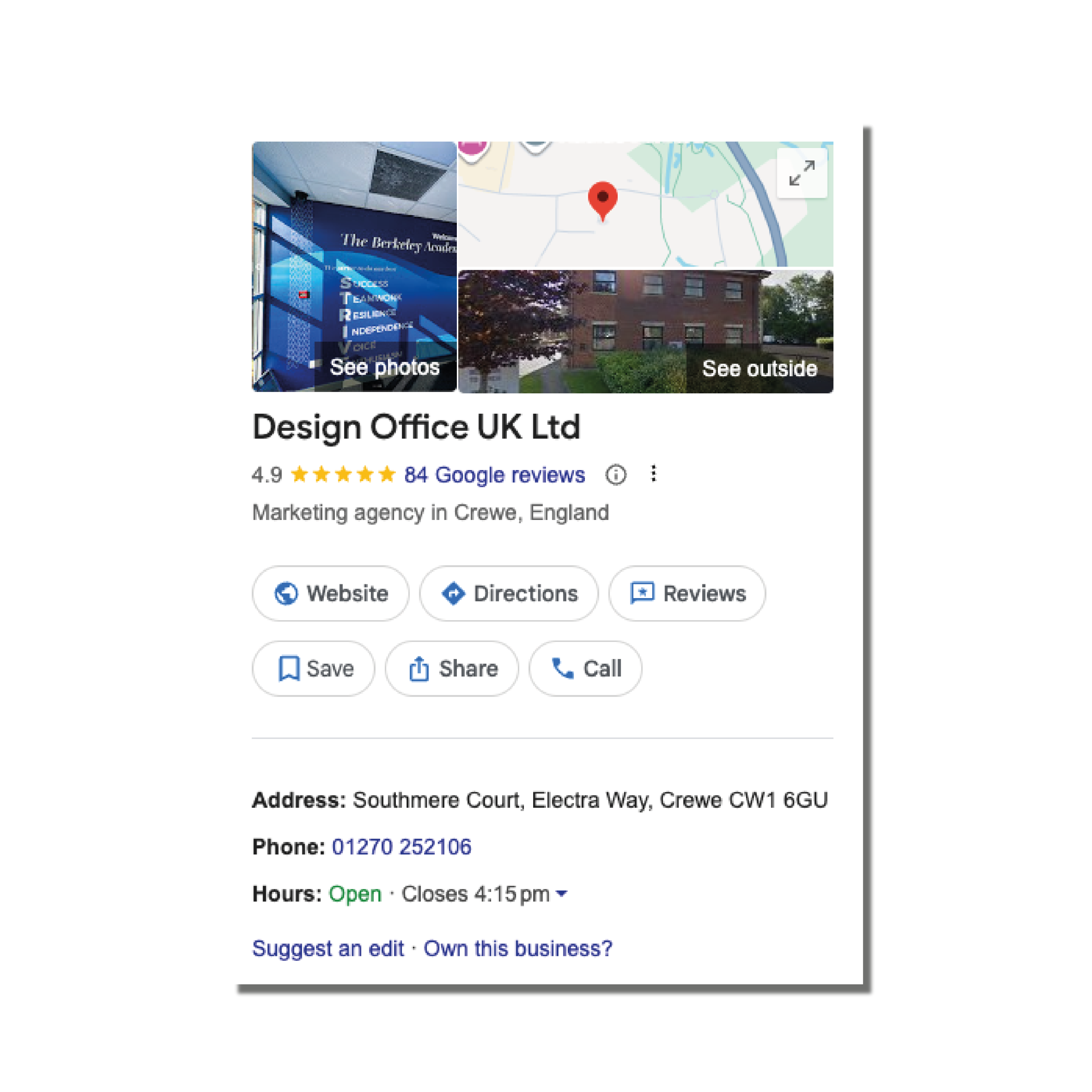
You might remember when GBP was just a basic business listing. Now, thanks to AI, it's a living, breathing part of Google's ecosystem. Google uses the info you put in your profile to:
- Decide where you rank in local searches.
- Feed content into AI-driven features like Google Maps suggestions and Assistant results.
- Influence how many people click through to your website or call your business directly.
In short, your GBP isn't just a listing anymore – it's a mini marketing hub and optimising it can seriously impact your revenue.
What You Can Add to Your Google Business Profile
To make the most of your GBP, you need to think beyond the basics. Here are the key features you should use:
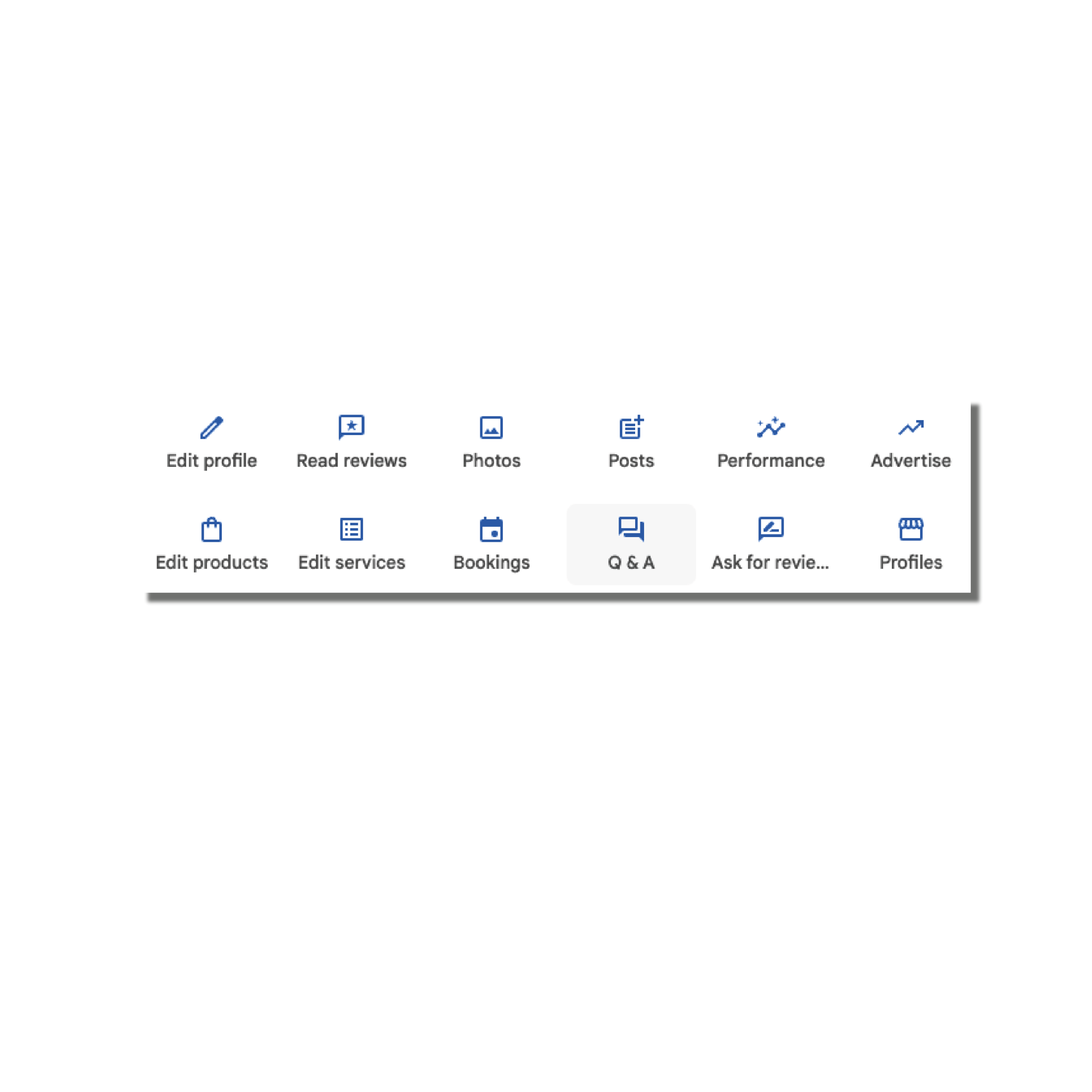
- Appointments & Booking Links: Let people schedule services straight from Google.
- Menus or Product Listings: Perfect for restaurants, salons, or stores.
- Photos & Videos: Show your products, premises, and team – people love visuals.
- Reviews: The more positive reviews you have, the more credibility you build.
- Q&A Section: Answer common questions before customers even ask.
- Posts & Updates: Share promotions, news, or events to keep your profile fresh.
Step-by-Step Guide to Optimising Your Google Business Profile
Here's how to take your GBP from "meh" to a lead-generating machine:
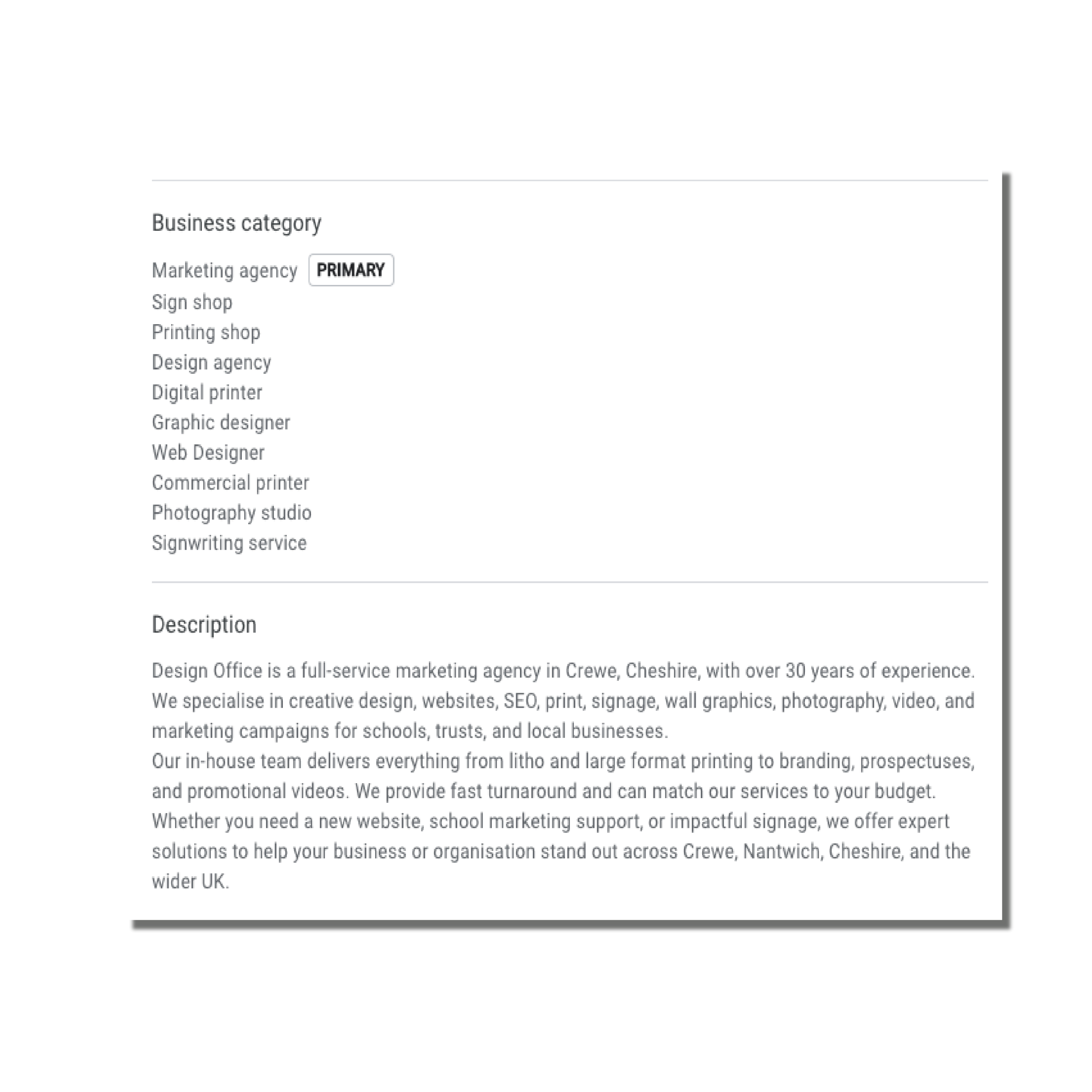
- Fill Out Every Single Section
Google rewards completeness. Make sure you add:
- Business name, address and phone number (NAP)
- Website link
- Business categories (choose the most relevant)
- Hours of operation
- Services offered
The more complete your profile, the more trust Google – and your customers – will place it.
-
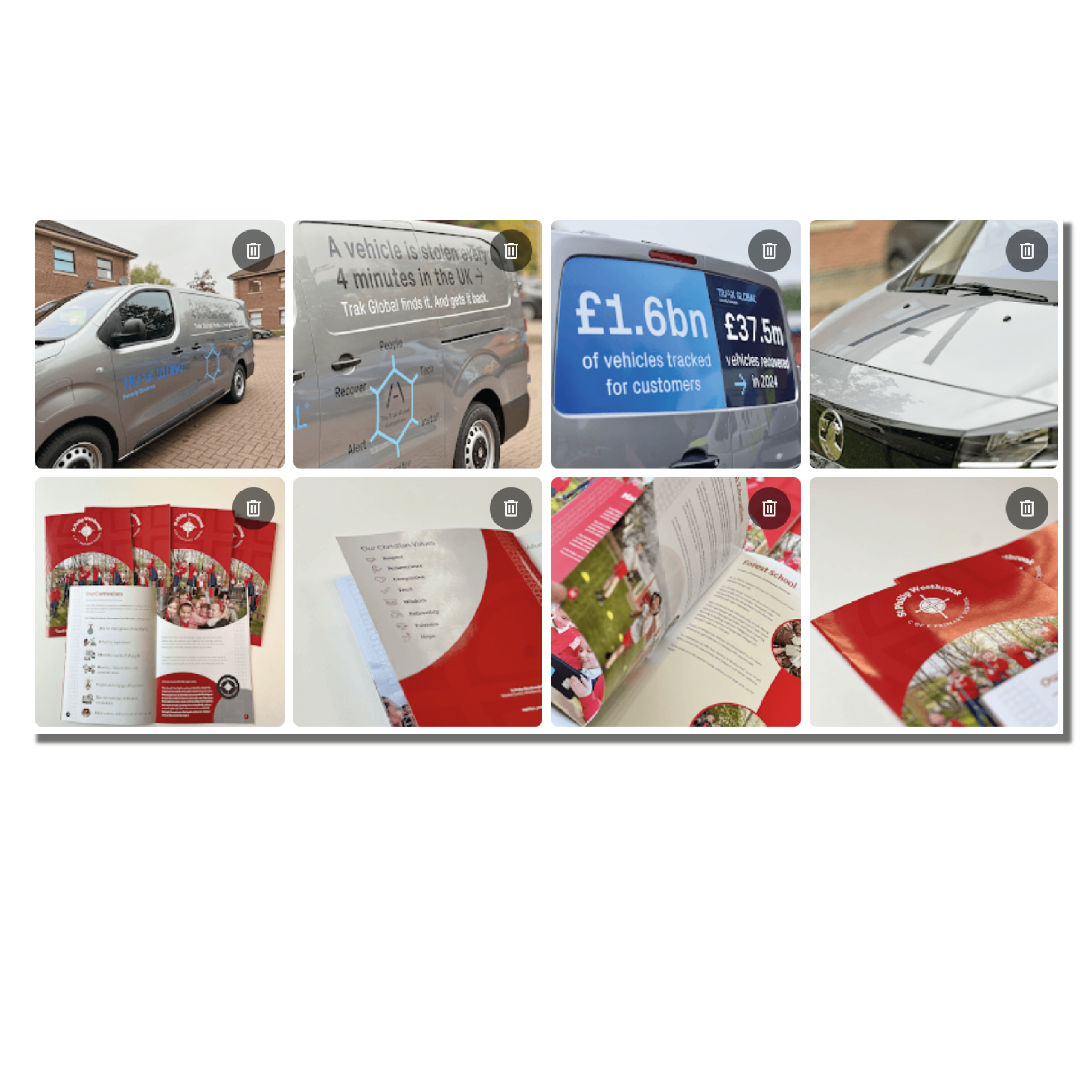
Use High-Quality Photos
Profiles with photos get 42% more requests for directions and 35% more website clicks. Take shots of your:
- Premises or shopfront
- Products or services in action
- Team members (people like seeing who they’re dealing with)
Pro tip: update your photos regularly to show your business is active.
-
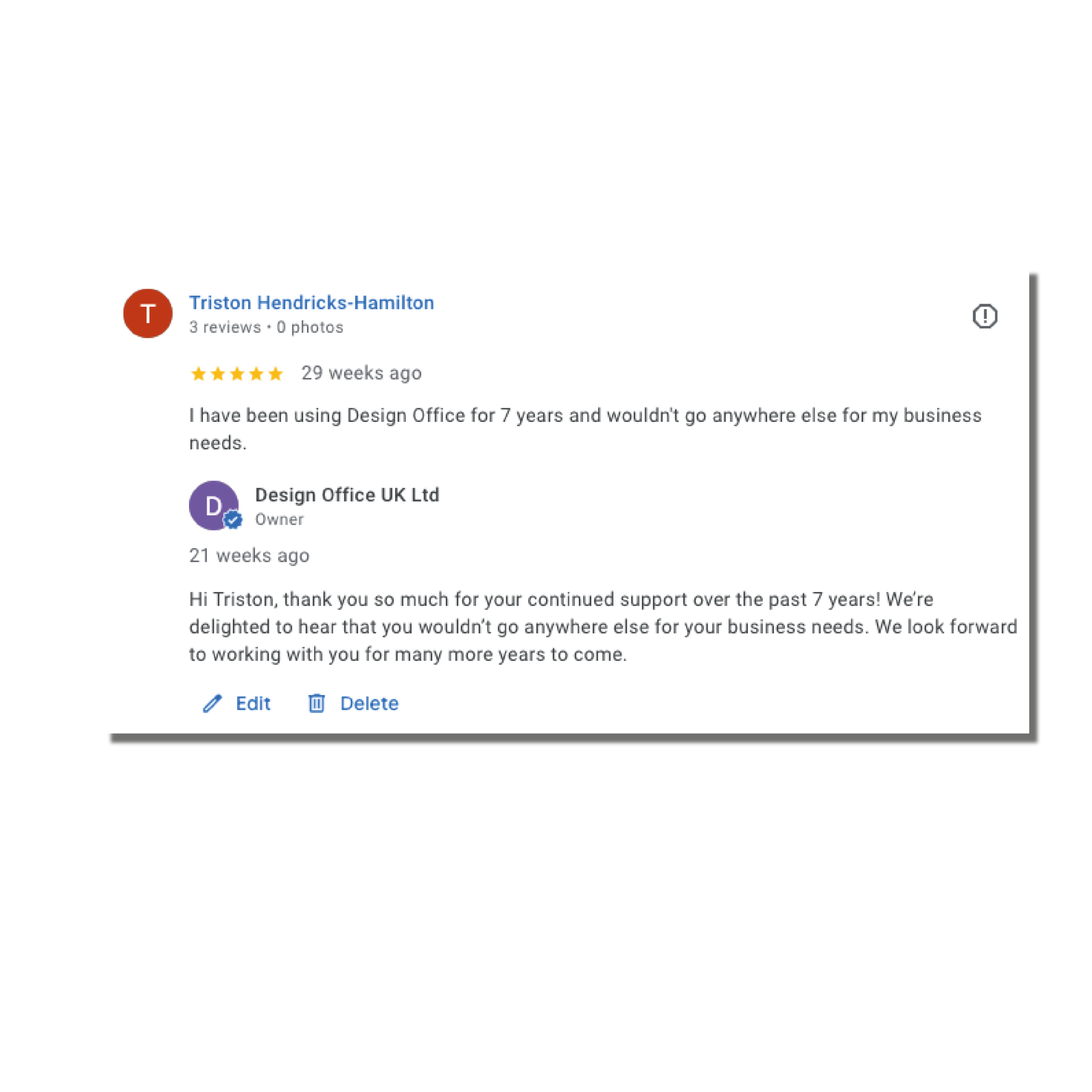
Collect & Respond to Reviews
Reviews aren't just social proof – they're a ranking factor.
- Ask happy customers to leave reviews.
- Respond to every review, even negative ones. A simple, professional reply can turn a bad review into a trust signal.
- Highlight reviews on your website or social channels to boost credibility.
-
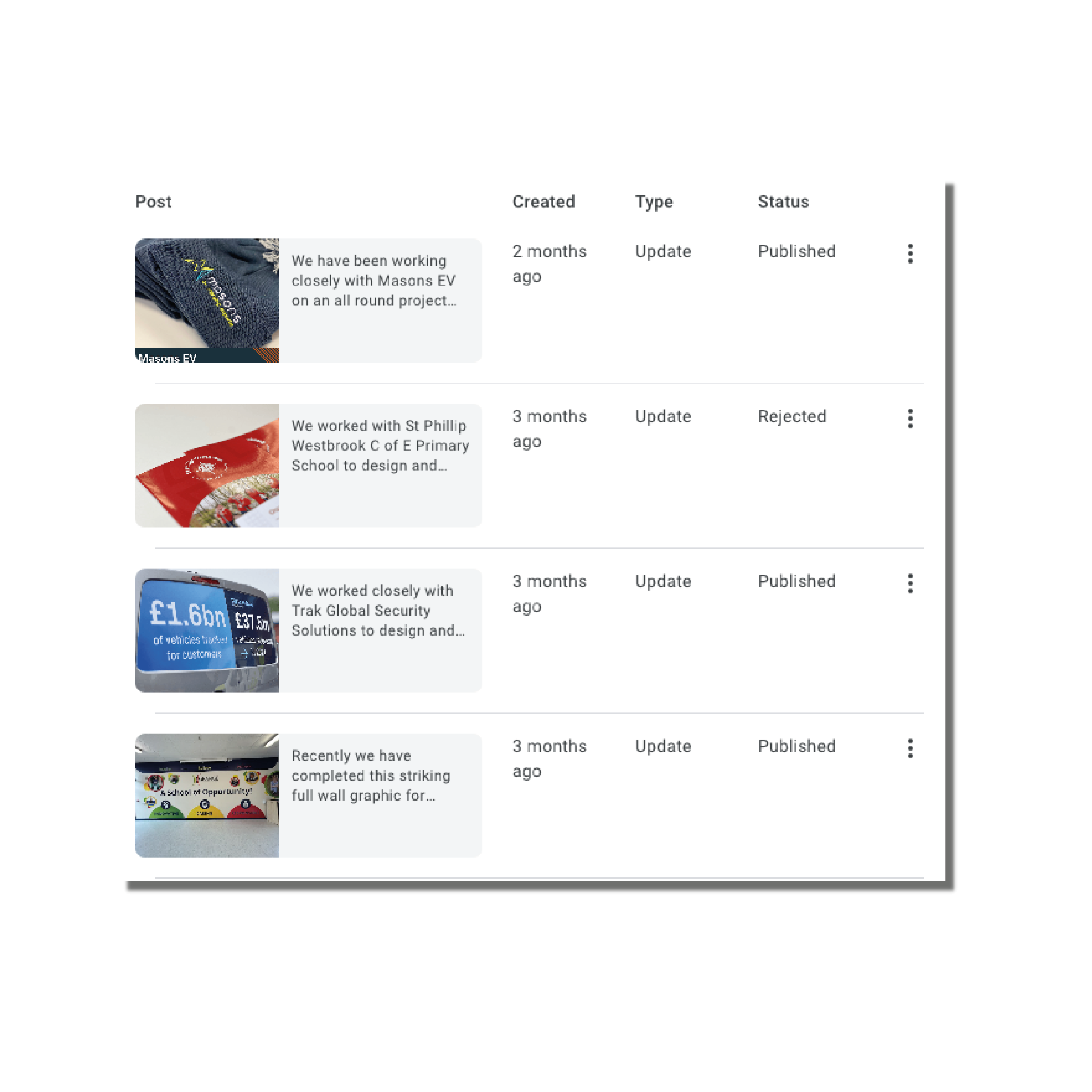
Post Updates Frequently
Think of GBP posts like mini social media updates for Google. Share:
- Promotions and discounts
- New products or services
- Company news or events
- Helpful tips related to your business
Regular posts signal to Google that your business is active and engaged.
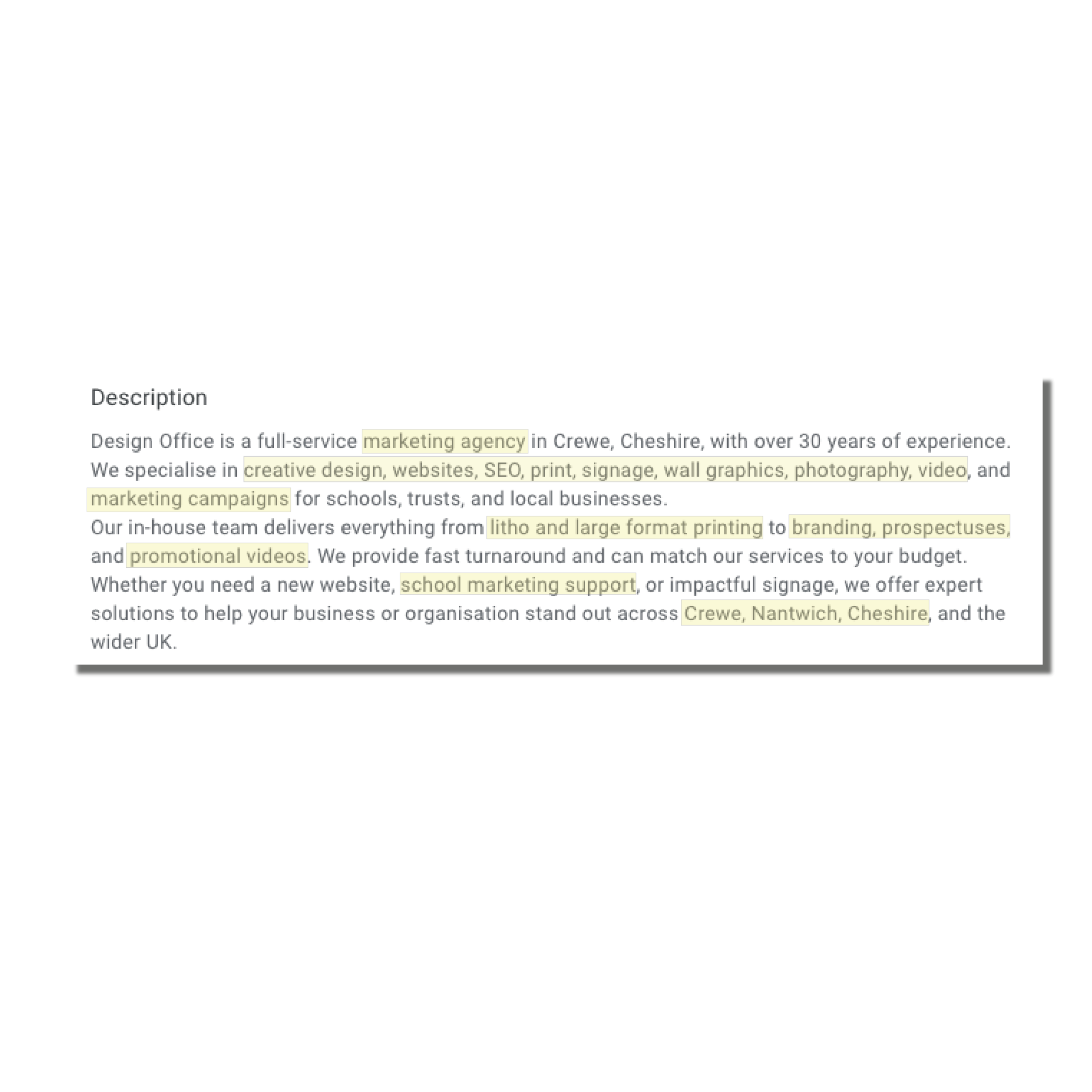
4. Optimise with Keywords
Yes, even your GBP description should include keywords – but naturally! Include:
- Your main service(s)
- Location (e.g., "Window Fitters Crewe")
- Any secondary services
This helps Google match your profile to local searches.
-
Use the Q&A Section Strategically
Don’t wait for customers to ask questions. Add the most common questions yourself, like:
- “Do you offer free consultations?”
- “How quickly can I book an appointment?”
- “What areas do you cover?”
Answering proactively improves user experience and boosts your chances of conversion.
-
Extra Tips to Boost Leads & Reviews
- Enable messaging: Let people contact you directly from Google.
- Link to appointments: If you have a booking system, integrate it.
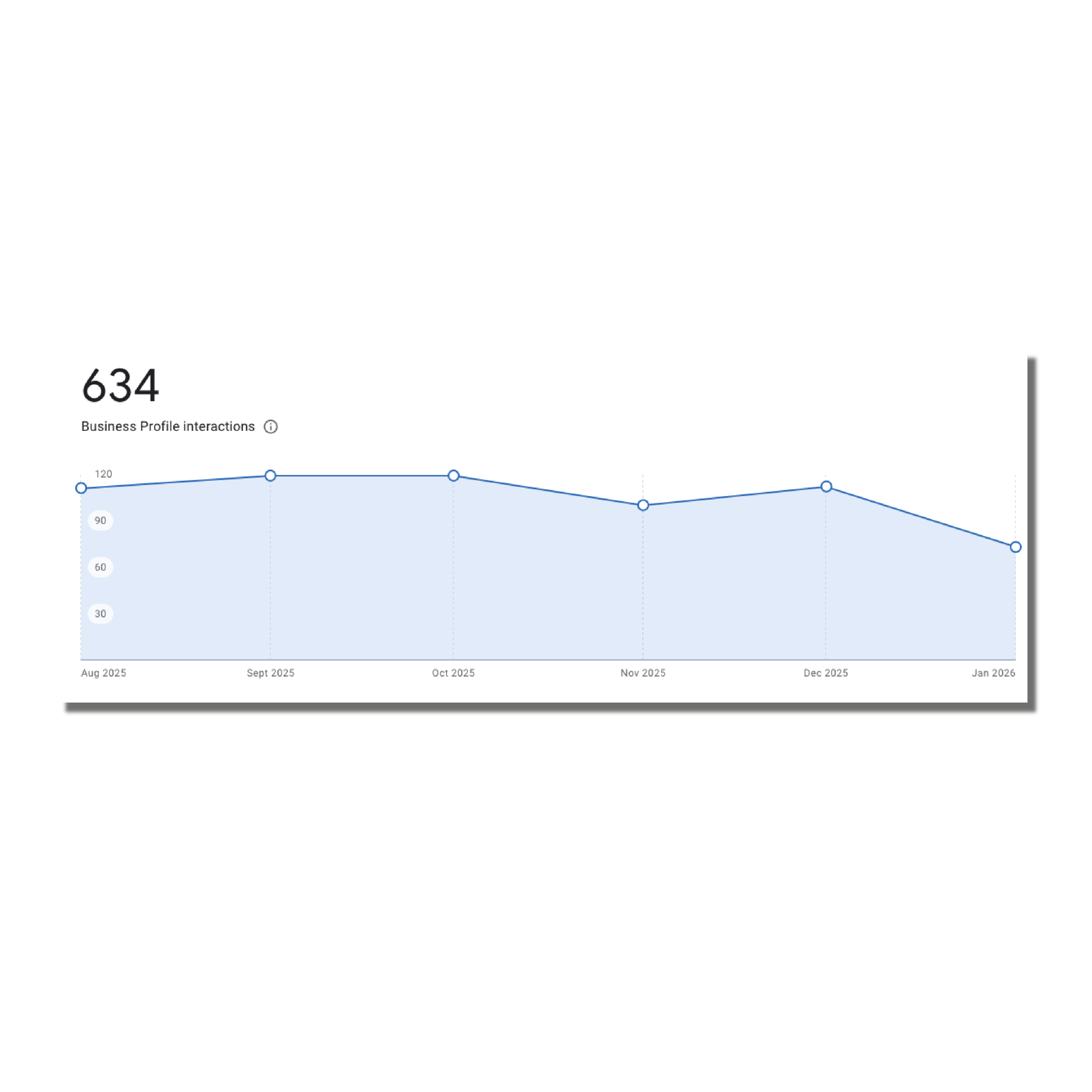
- Monitor your insights: Google shows you how people find your profile – use this to adjust your strategy.
- Highlight seasonal offers: Update your profile regularly to reflect promotions or events.
Wrapping Up
A well-optimised Google Business Profile isn't just about SEO – it's about building trust, engaging customers and driving leads. By filling out every section, posting regularly, collecting reviews and leveraging all the features GBP offers, you're turning a simple listing into a digital storefront that works for your business 24/7.
Start small – update a few sections today, add some photos, and respond to your latest reviews. Over time, these little actions can dramatically improve your visibility, clicks, and bookings.
Tel: 01270 252106
Email: sales@designoffice.co.uk